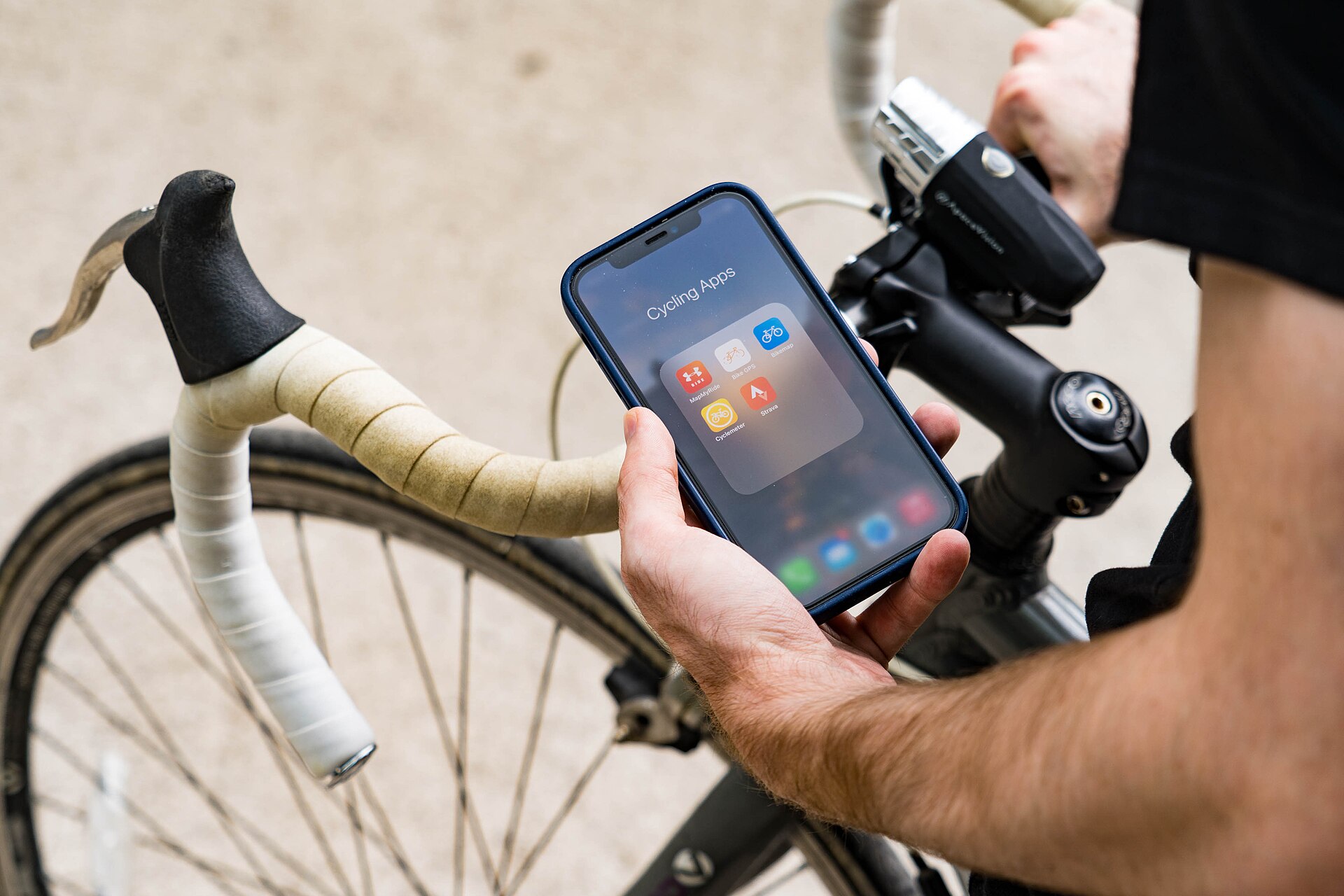
The phone is a traveller’s most important tool today and at the same time their weakest point. When the internet cuts out the map does not open, when the battery dies the ticket cannot be shown, and when an app will not load you cannot use the transport. Travel apps have to be prepared in advance precisely to solve those three problems. Below I have written which apps to download and why.
Travel apps: maps and navigation
The most important step is to download the map offline. Do it at home while you have internet, because being left without a network when you reach the city is an ordinary occurrence. An offline map shows the walking route and the address without internet.
In some countries the international map services work poorly. In China and South Korea the local apps are more accurate, and in Japan a separate app is needed for the metro. Before going, search with the country’s name and download the local option too.

Storing documents with travel apps
Gather all the documents into one folder and keep it both on the phone and in the cloud. The photo of the passport, the visa, the insurance policy, the hotel booking and the flight tickets should be there. Print one copy too, because when the phone does not work paper saves you.
Add the boarding pass to the wallet section of your phone; it opens without internet. Turn the screen brightness fully up at check-in, otherwise the scanner does not read the code.
Transport and translation
For city transport a local app is almost always better than an international one, because it shows the timetable in real time. Taxi apps, meanwhile, are safer than hailing a car in the street because they show the price in advance.
Download the language pack offline in your translation app. Translating text with the camera really does help with menus and road signs. For intercity tickets, services that show train and bus options in one place save time.
Read more: A Japan travel guide: Tokyo, Kyoto, Osaka, the sakura season, the Shinkansen and onsen etiquette
Battery and internet for travel apps
A power bank is now an essential item and is carried in hand luggage only. During the day the map is the app that eats the most battery, so close it when you are not using it. Switch the energy saving mode on from the morning.
Settling the internet question in advance makes all the other apps work. An eSIM package for the country is loaded onto the phone before the flight and starts working the moment you land. Official information on digital services is on the Ministry of Digital Development and Transport site.
A last word
Travel apps only work when they are prepared in advance; downloading them after you reach the city is too late. Get the map offline, keep the documents in the cloud, put the power bank in your hand luggage. To handle the travel preparation together, fill in the application form.
Note: how apps work varies by country, so check the local options too before the trip.
